Privacy guides
iPhone photo backup checklist: make a copy you can restore
Check iCloud sync, export original photos to independent storage, and verify a sample before trusting the backup.
Check which files are available
Open iCloud Photos settings and see whether this phone is syncing. If Optimize Storage is active, some full-resolution originals may need to download before export. Make sure recent items have finished syncing and allow room for downloads. With iCloud Photos enabled, Apple does not duplicate the photo library in the iCloud device backup. Deleting an image in the synced library can remove it from other devices as well.
Make a short list of material you would miss: family videos, albums from old trips, images in Hidden, and important edits. A small export gives you a way to test the process before copying a full library.
Export originals to a separate destination
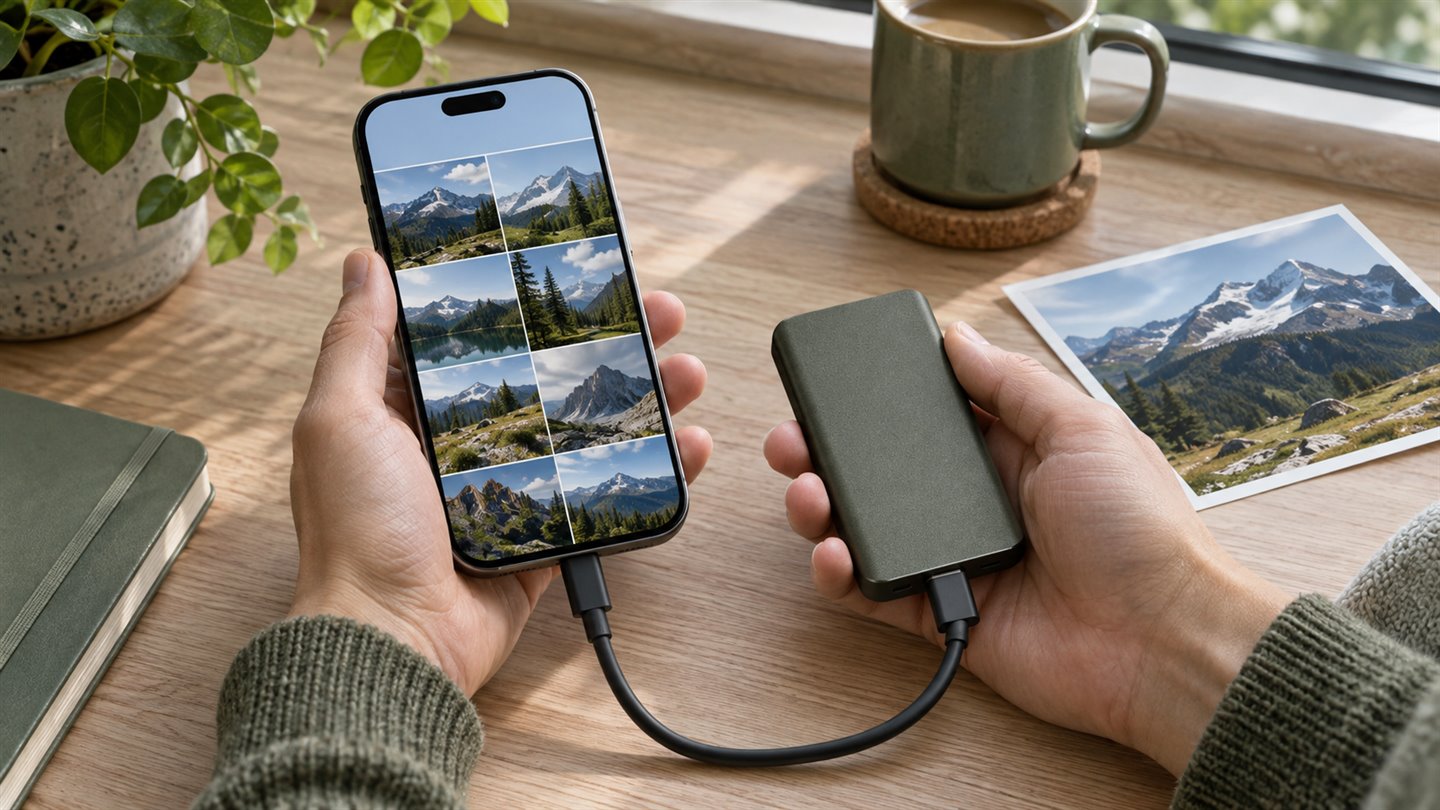
On iPhone, Apple documents exporting originals from Photos through the share sheet. An attached external drive is a useful destination for a copy that stays outside the synced library. If your library is too large to download to the phone, use a computer with available storage and export in batches.
- Connect a compatible storage device. When you have the space, select Download and Keep Originals in iCloud Photos settings and allow the originals to finish downloading.
- Select a small batch in Photos, open Share, then use Export Unmodified Original or Export Unmodified Originals. Choose the external drive under Locations in Files, then save.
- Keep the exported files in dated folders. If you want both the original and the finished edit, save a rendered copy of the edit separately and label it accordingly.
Run a small restore drill
Open a photo, a long video, and a file from an older album directly from the exported folder. Check the resolution and play through part of the video. For a Live Photo or an edited image, check that the copy preserves the parts or appearance you expect. If an item matters and you need it back in Photos, import a harmless sample and verify how it appears before exporting the rest.
Keep a note of the last export date and the folders it includes. Where you can, keep another copy of irreplaceable material in a separate physical location. If you encrypt a drive, record a recovery method somewhere separate and test that you can unlock it.
A few things worth knowing
Is Recently Deleted a backup?
It is a recovery window inside the library. Apple generally keeps deleted items there for 30 days. An external export lets you retrieve a copy independently.
Can I erase the originals once the folder appears?
Wait until you have opened the exported files, checked the expected batches and, for irreplaceable items, verified another copy. Decide which originals to remove only after that check.