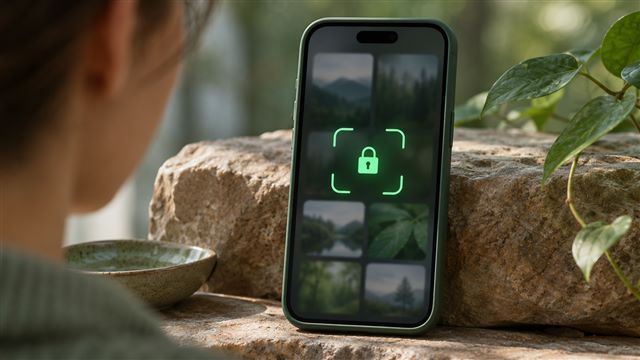
How to lock photos with Face ID on iPhone
Set up the Hidden album or lock the entire Photos app, then check exactly where authentication is required.
Read the guideA LITTLE MORE PRIVACY. A LOT MORE PEACE OF MIND.
Simple guides and useful tools to put your photos, files, and digital life back in your hands.
Free to explore. No account needed.
An early look at a more private photo vault.
Illustrative files




Interactive concept, not a working security app.
Your files stay in your browser when you use our tools.
Practical explanations, with sources and clear limitations.
Explore SeraShield in 32 languages.
SeraShield
Practical steps for keeping iPhone photos, files, and backups under your control.
Start with a situation you face, from handing over your phone to sending a sensitive screenshot.
Compare what each option protects, where copies live, and how recovery works before you choose.
Complete a task in your browser. Your images and files stay on your device.
Explore design proposals for a future iPhone vault and the trade-offs behind them.
THE PRIVACY EDIT
Set up the Hidden album or lock the entire Photos app, then check exactly where authentication is required.
Read the guide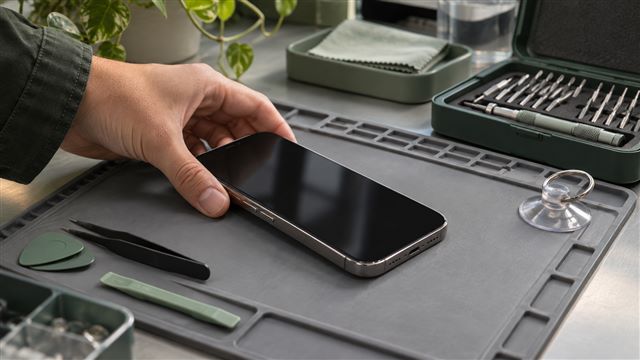
Make a backup you can use, clarify whether the repair needs device access, and follow the instructions for your service appointment or mail-in repair.
Read the guide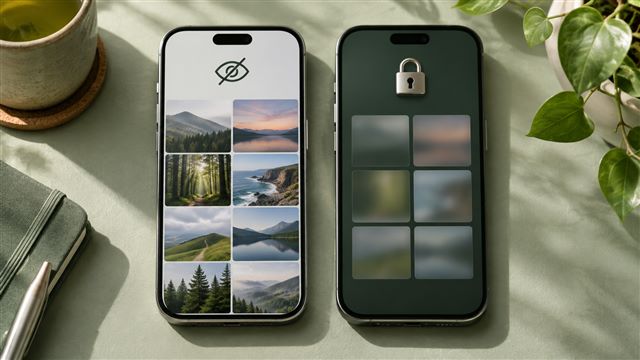
Compare Apple’s Hidden album with Vaultaire’s documented design. Learn what changes when a photo gets its own copy, unlock method and backup.
Read the guideSMALL TOOLS. MORE CONTROL.
Not yet. SeraShield is currently a privacy publication and a collection of browser tools. The iPhone app is a concept we are evaluating.
No. Photo processing and file fingerprints run in your browser. Your selected files are not sent to a processing server.
No. It is an interactive design illustration using sample artwork. Do not use it to store private information.