Features
What happens to your original photos when you import them into a vault?
Follow a photo from the iPhone library to a proposed SeraShield vault, and see why selecting, copying, checking, and deleting it are separate steps.
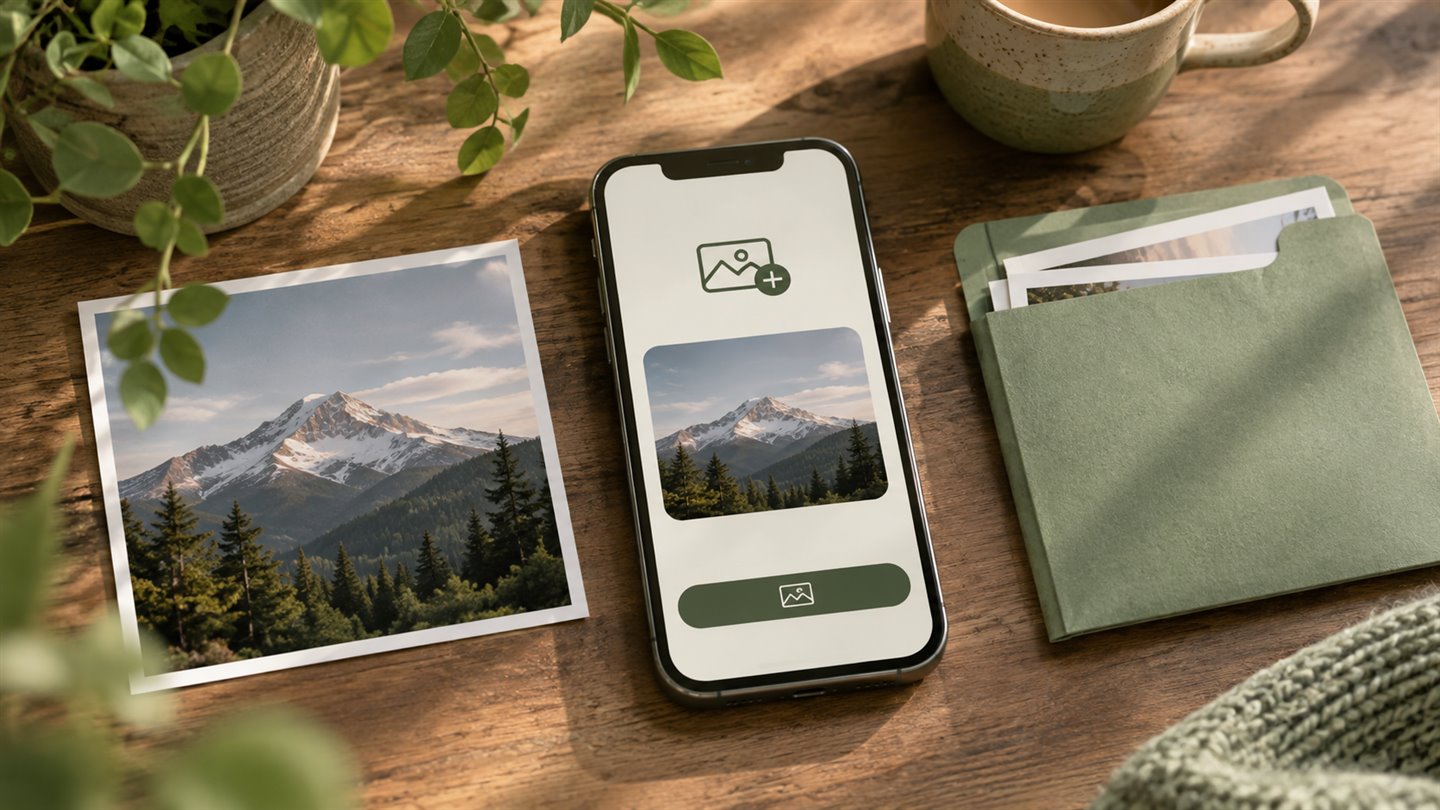
Choose what the app receives
Imagine importing three scans from a library of ten thousand photos. Apple’s system photo picker can show the library in a separate process and give the app the items you choose. This is a candidate for SeraShield because it fits a task that starts with specific photos. It also means the experience must handle a cancelled selection or an item that is not available to load yet.
Selection is the first step. A cloud-backed item may need to download before the app can create a usable copy. A vault should show whether it is waiting for that file, writing the copy, or finished. A selection count alone cannot tell you how many files are recoverable.
Show which files were copied successfully
We would design import so that a completed item can be opened again from vault storage. If a five-item import stops after three, the result should distinguish the three successful items from the two that need retrying. Disk space, a background interruption, or a missing source file should produce an understandable status.
A photo can include more than a still frame. A Live Photo has motion, and a photo may have edits or metadata you expect to retain. Each supported format needs a clear contract for what is kept, transformed, or omitted. Until implementation and testing, SeraShield makes no promise about preserving a specific format or its edit history.
Treat the original and its copies separately
Creating a copy inside a vault leaves the original in the library. If you later choose to delete it from Photos, iCloud Photos can propagate that change to connected devices. Apple provides Recently Deleted for ordinary recovery, subject to its conditions. Do not treat that album as your only fallback.
- Check that the imported copy opens and has the quality and components you need.
- Know where a separate backup lives and how you would recover it.
- Review iCloud Photos and any other copies before deciding what to remove.
A few things worth knowing
Would importing automatically delete my originals?
The proposed flow keeps the original separate and treats any decision about removing it as a later user action.
Can SeraShield import my photos into an iPhone vault now?
The vault is a concept. The current browser tools do not provide a persistent vault.