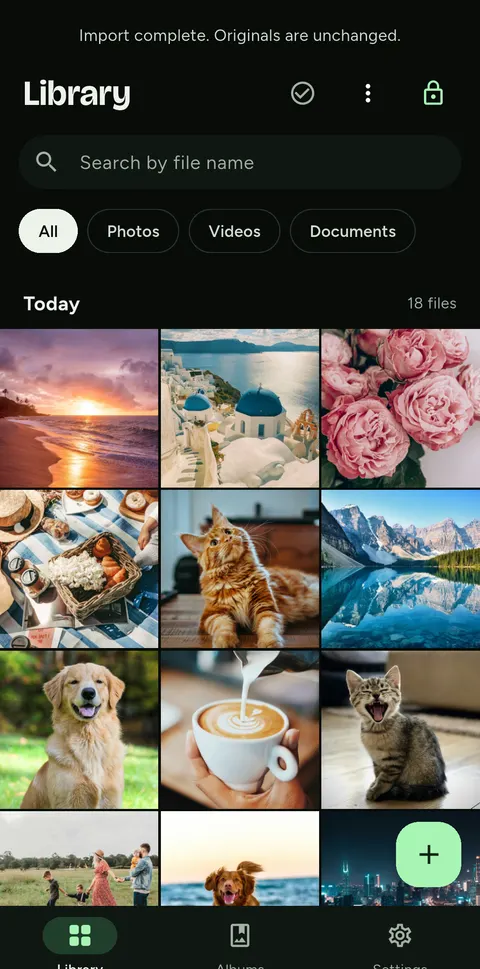
Encrypted on your device
Each file is encrypted with AES-256-GCM and its own key. File names and thumbnails are encrypted too.
Limit: No independent security audit yet.
ANDROID APP · FREE, PRO OPTIONAL
SeraShield is a private vault for Android. Photos, videos and documents are encrypted on your device, with a key that only your passphrase can open. No account. No tracking.
Launching on Product Hunt · Nov 28FollowAndroid 8.0 or later · English, العربية, Français · iPhone version in development
We're working to bring SeraShield's Android vault essentials to iOS. Not available yet; join for launch news.
Notify me when iPhone launches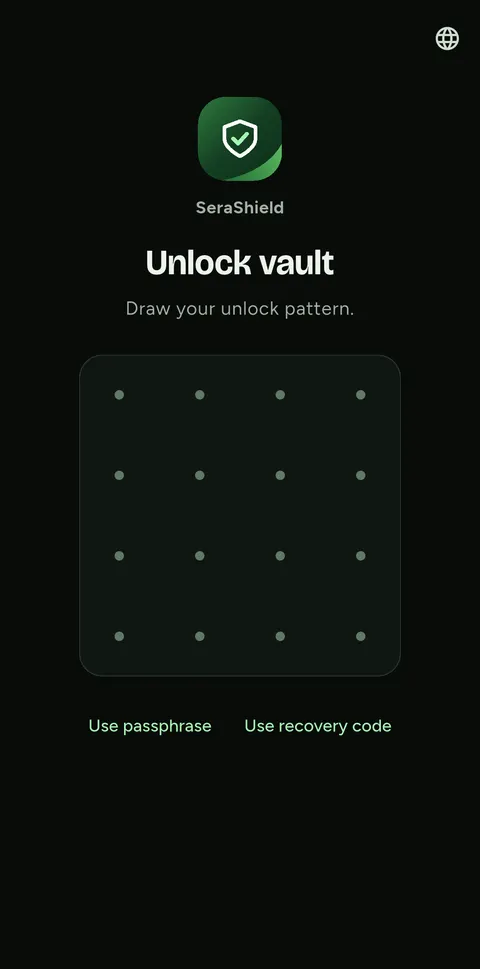
WHAT THE APP DOES
Each file is encrypted with AES-256-GCM and its own key. File names and thumbnails are encrypted too.
Limit: No independent security audit yet.
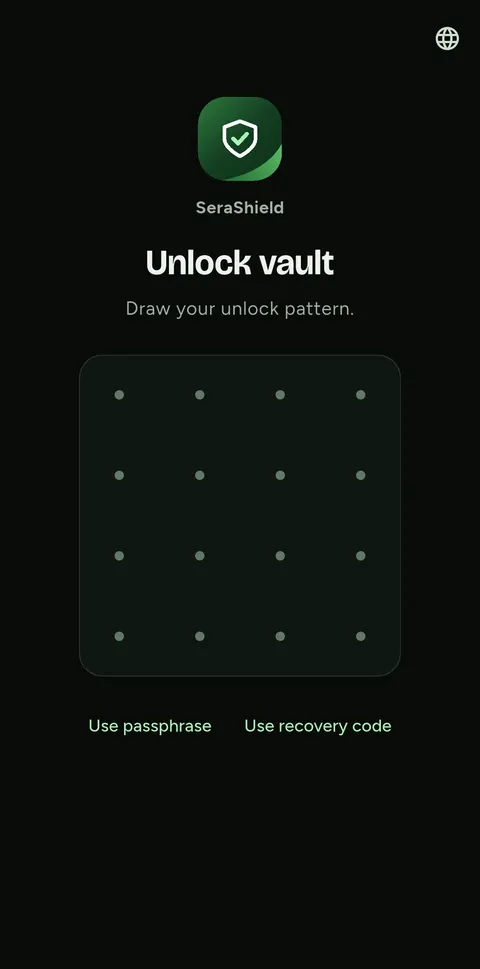
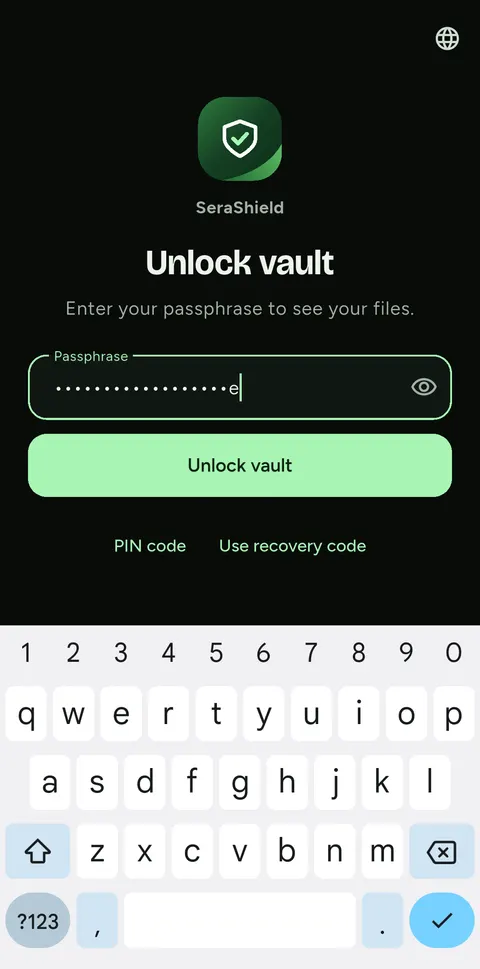
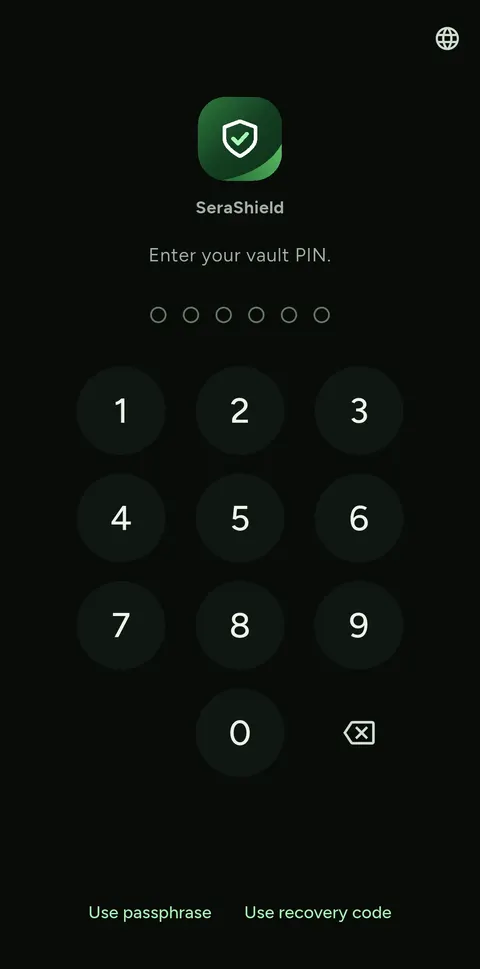
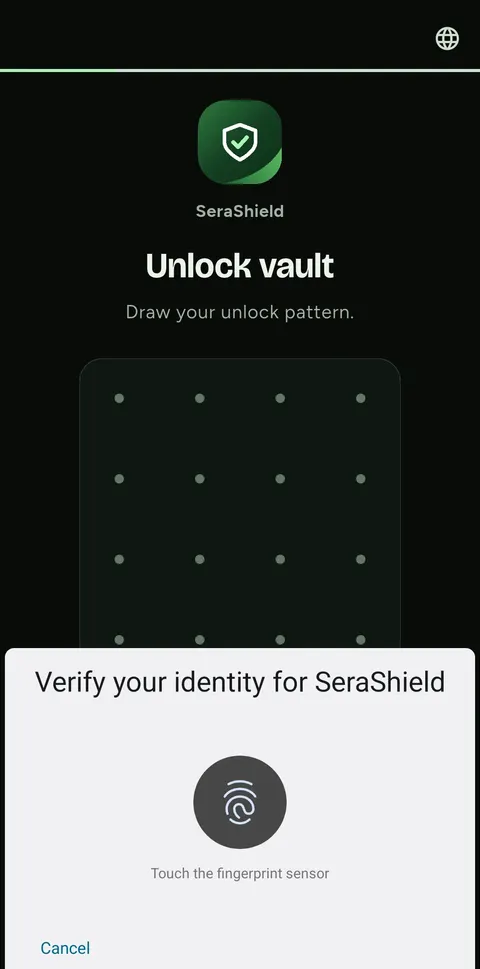
Passphrase, a 6–10 digit PIN, a 4×4 pattern or your fingerprint. After 10 wrong PIN or pattern attempts in a row, only the passphrase opens the vault.
Limit: PIN, pattern and fingerprint work on this phone only. On a new phone you need the passphrase or the recovery code.
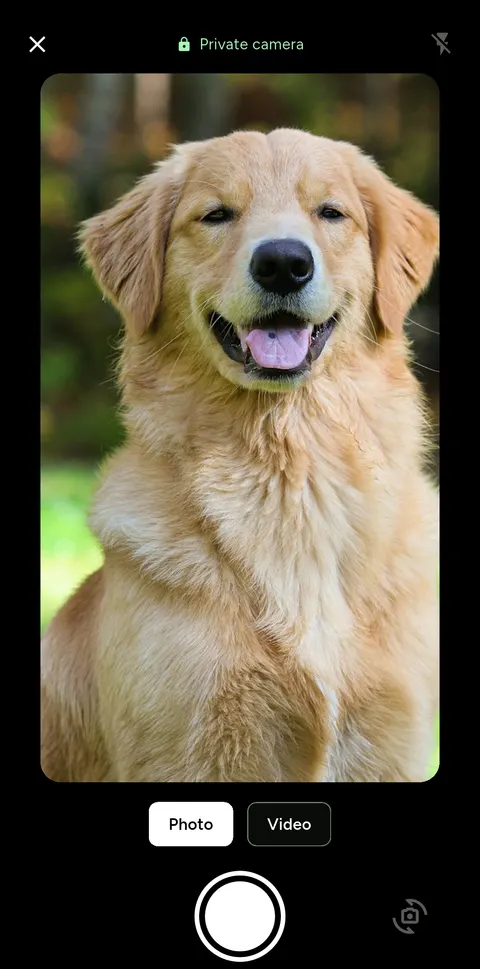
Take photos and videos straight into the vault. They are never saved to your phone's gallery.
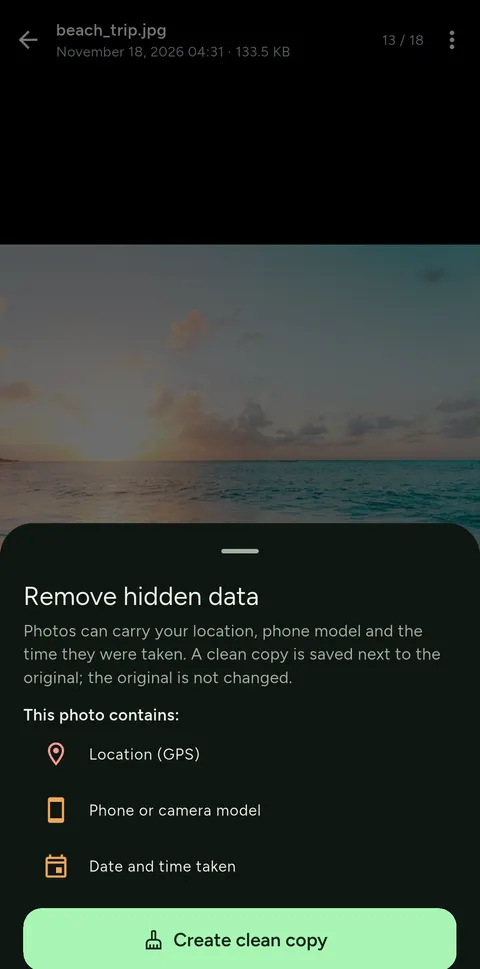
See the location, phone model and date hidden in a JPEG or PNG, then save a clean copy.
Limit: HEIC photos are not supported yet.
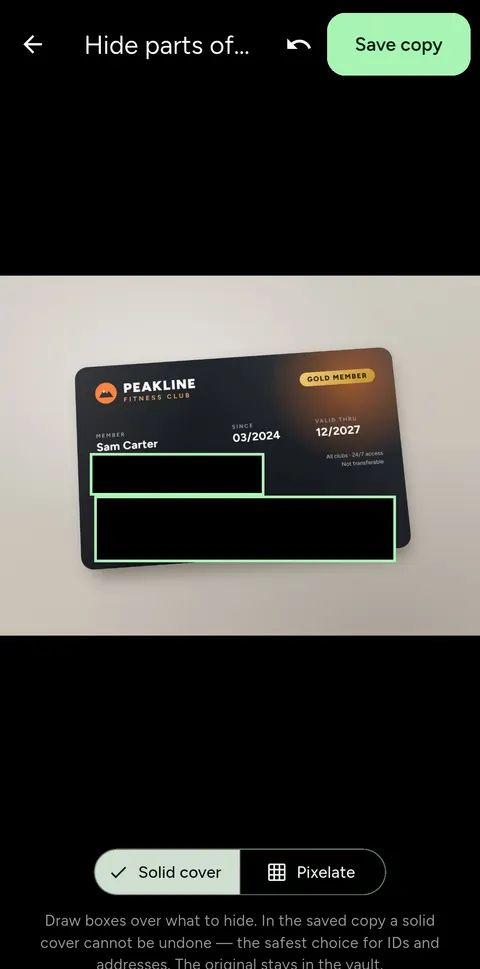
Cover or pixelate faces, plates and documents, then save a flattened copy. The app offers to move the original to the vault trash.
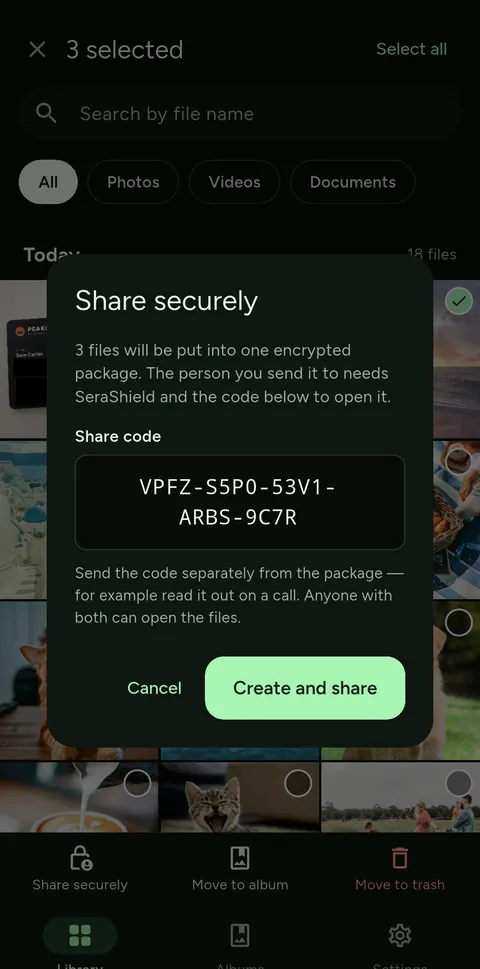
Send files as an encrypted package (Pro). The 20-character code travels separately, and the recipient opens the package in SeraShield for free, by tapping the file.
Limit: No expiry and no revocation: whoever has the package and the code can keep a copy.
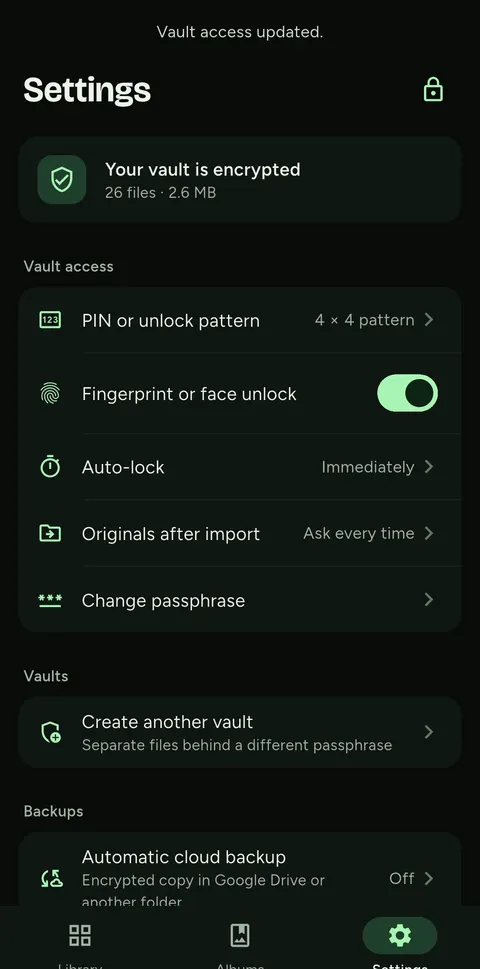
Create extra vaults, each with its own passphrase: 3 vaults on the free plan, 4 with Pro. The lock screen shows nothing about the others.
Limit: Someone with access to the app's files can count the vault folders.
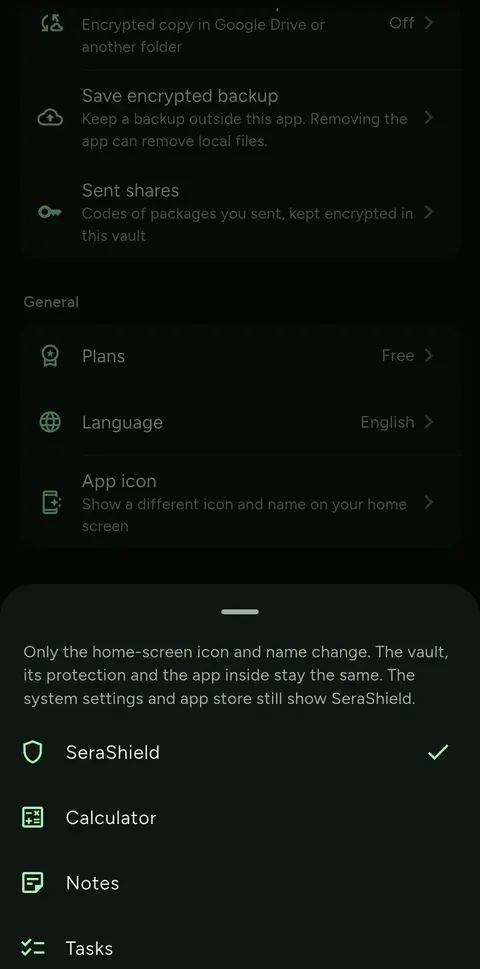
Show SeraShield as Calculator, Notes or Tasks (Pro). While disguised, the lock screen hides the brand.
Limit: System settings and the store still show “SeraShield”.
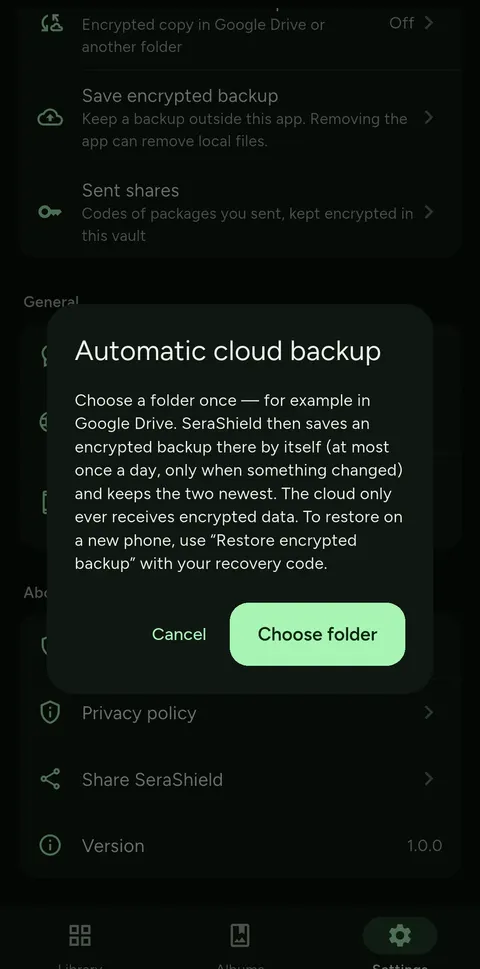
Save an encrypted backup wherever you like, or let the app back up daily to a folder such as Google Drive. Restoring needs the backup and your recovery code.
Limit: Deleting the app deletes the vault on the phone. Only a backup keeps your files.
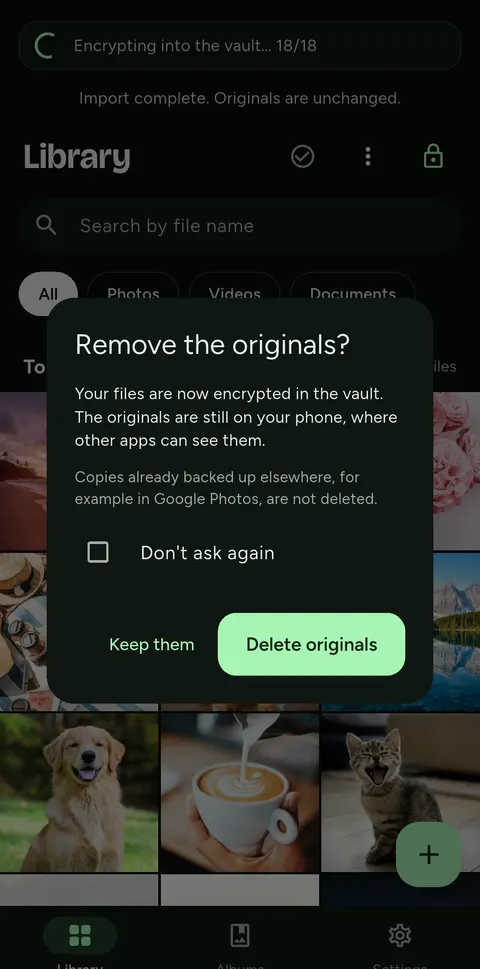
Importing copies a file into the vault. Afterwards you choose to keep or delete the originals on your phone.
Limit: Copies in Google Photos are not deleted, and deletion is not a secure wipe.
FOUR WAYS TO UNLOCK
HOW IT WORKS
Choose a passphrase of at least 12 characters and write down your recovery code. Keep it somewhere safe, away from the phone.
Import photos, videos and documents, or take them with the private camera. Imports run in the background.
The vault locks as soon as you leave (or after 30 s, 1 or 5 minutes). Screenshots and the recent-apps preview are blocked.
THE SECURITY MODEL
SeraShield has not been independently audited yet. We publish what the app does and where its limits are.
PRICE
The free plan holds up to 150 photos and documents and 20 videos per vault, in 3 vaults, with encryption, every unlock method, backups, the privacy tools and opening packages people send you. SeraShield Pro adds unlimited files, a 4th vault, creating secure share packages and disguise icons: weekly, monthly, yearly (with a 7-day free trial) or lifetime, through Google Play. Early users keep Pro free, for good. Limits only stop adding files: whatever your plan, your files stay readable, and you can always export and back them up.
SeraShield is an Android app (Android 8.0 or later). It is available on Google Play; the download button is on this page.
No. There is no account and no server. Your recovery code, together with a backup, is the only way back in. Keep it somewhere safe, away from the phone.
No. No account, no analytics, no ads, no tracking and no crash reports. Read the app's privacy policy for details.
The vault on the phone is deleted with the app. Only an encrypted backup that you saved elsewhere keeps your files.
Not yet. The iPhone version is in development; it has not been released.
Not yet. There is no independent security audit so far, so we do not call SeraShield “unhackable” or “military-grade”.
Yes. The free plan has no ads and no time limit: up to 150 photos and documents and 20 videos per vault, in 3 vaults. SeraShield Pro is optional and bought through Google Play. If Pro ends, nothing is locked away: you can still open, export and back up every file.